Archives 2026

How Coworking Teams Can Turn Meetings Into Actionable Content

How Coworking Teams Can Turn Meetings Into Actionable Content

Meetings fill our calendars. Ideas fly around the room. Whiteboards get crowded. Then everyone goes back to their desks and the momentum fades. In a coworking environment like The Hive Spring, that is a missed opportunity. Every strategy session, member workshop, and casual brainstorming chat carries insights that could become internal guides, marketing assets, or community stories. The difference lies in how those conversations are captured and structured.

Quick Summary

  • Meetings can become blogs, guides, and internal playbooks.
  • Transcription tools convert spoken ideas into usable drafts.
  • Structured workflows turn raw notes into clear content assets.
  • Coworking communities benefit from shared knowledge systems.

From Conversation To Documented Insight

Most teams rely on scattered notes or memory. That method rarely produces structured outcomes. By integrating meeting transcription into regular sessions, coworking teams gain a verbatim record of what was discussed. That record becomes a raw content library. Ideas are no longer trapped in someone’s notebook. They become searchable, editable, and shareable text.

Once transcripts exist, they can feed into existing content systems. For instance, a workshop on collaboration can be refined and aligned with the themes already discussed in flexible office collaboration strategies. This turns a live event into evergreen knowledge. Instead of repeating the same advice in future sessions, teams can distribute a polished summary or publish it for members.

Transcripts also surface patterns. Repeated concerns about productivity or leadership style become visible. Those patterns can guide future programming and content planning. The meeting stops being a one time exchange. It becomes research material.

Why Actionable Content Matters In Coworking Spaces

Coworking communities thrive on shared experience. Members want more than desks and coffee. They want learning and connection. Turning meetings into actionable content supports that culture. A recorded panel discussion can become a downloadable checklist. A founder roundtable can transform into a case study. A brainstorming session can evolve into a public blog post that positions the space as a thought leader.

This approach also supports transparency. Clear documentation builds trust. According to the International Organization for Standardization, structured documentation improves organizational consistency and accountability. While coworking spaces are not factories, the principle still applies. Clear records lead to better follow through.

When members see their ideas reflected in published materials, engagement increases. They feel heard. They feel part of something larger. That emotional investment strengthens the entire ecosystem.

Building A Simple Workflow That Actually Works

Turning speech into structured content requires a repeatable system. Without one, transcripts sit untouched in shared folders. The workflow does not need to be complex. It needs to be consistent.

Start by capturing the session. For teams hosting online workshops or hybrid meetups, Zoom to Text allows quick conversion of recorded calls into readable drafts. This removes hours of manual typing. Once the draft exists, assign an editor. That person identifies themes, extracts key points, and organizes them into logical sections.

After editing, match the refined insights with existing themes such as storytelling in business communication. This ensures continuity across the website. The meeting becomes part of a broader narrative rather than a standalone post.

Finally, publish or distribute the content. It could be an internal PDF. It could be a public article. It could even be a newsletter summary for members who missed the event.

Five Practical Ways To Repurpose Meeting Content

Below are structured methods coworking teams can implement immediately. Each method builds on the same core idea, conversation equals content.

1.  Create internal playbooks. Extract processes discussed in operations meetings and turn them into step by step guides. This reduces onboarding time for new staff.

2. Publish community highlights. Capture quotes from founders or guest speakers. Shape them into short profiles that promote both the individual and the coworking space.

3. Develop workshop summaries. Break down key lessons into bullet lists and practical takeaways. Share them on the website or via email.

4. Generate social media snippets. Identify concise, powerful statements. Turn them into shareable posts with context.

5. Build knowledge libraries. Categorize transcripts by theme such as marketing, leadership, or productivity. Over time, this becomes a searchable resource hub.

These steps are simple. Yet they change how meetings are perceived. Instead of feeling like time drains, they become content engines.

The Role Of Structure And Editing

Raw transcripts are messy. People interrupt each other. Ideas overlap. Editing is where clarity emerges. The editor’s role is not to rewrite the speaker’s voice. It is to identify structure. Group related comments. Remove repetition. Highlight practical actions.

Structure transforms spoken language into readable material. Headings create flow. Short paragraphs increase clarity. Lists help readers skim. This is especially relevant in coworking environments where members consume content between tasks.

Consistency matters as well. If every workshop summary follows a similar format, readers know what to expect. That familiarity builds trust and efficiency.

How Documentation Improves Decision Making

Meetings often produce decisions. Yet without written records, teams forget the reasoning behind those choices. Transcripts preserve context. Months later, leadership can revisit a conversation and understand why a specific strategy was chosen.

This habit also reduces conflict. Clear documentation limits misunderstandings. If someone questions a past decision, the transcript provides evidence. The discussion shifts from memory to facts.

Over time, this improves strategic planning. Teams can analyze previous sessions and identify which ideas produced measurable outcomes. They can refine their approach accordingly.

Turning Insights Into Community Assets

Coworking spaces are not just offices. They are communities. Content generated from meetings can strengthen that identity. Imagine a monthly founder forum. Each session is transcribed, edited, and published as a knowledge digest. Members who attended feel recognized. Members who missed it still benefit.

This process also supports marketing. Prospective members browsing the website see evidence of active engagement. They read practical insights from real entrepreneurs. The space feels alive.

Even casual networking chats can yield content. With permission, short reflections can become inspirational quotes or mini case studies. Authentic voices resonate more than generic advice.

Comparing Traditional Notes And Transcription Based Systems

Aspect Manual Notes Transcription Workflow
Accuracy Selective and incomplete Full conversation captured
Searchability Difficult to scan Keyword searchable
Repurposing Requires rewriting Ready for editing
Knowledge Retention Depends on memory Permanent digital archive

The difference is clear. Structured transcription creates long term value. It supports both operational efficiency and content marketing.

Creating A Culture That Values Documentation

Tools alone are not enough. Teams need cultural buy in. Leaders should communicate that meetings are content opportunities. Assign roles in advance. Clarify that discussions may be repurposed. This transparency builds trust.

Encourage members to speak clearly and share actionable advice. Remind them that their insights may help others beyond the room. Over time, this shifts behavior. Meetings become more focused. Contributions become more concrete.

Recognition also helps. When a member’s idea appears in a published article or internal guide, acknowledge them. This reinforces participation.

Where Conversations Lead Next

Meetings will always exist. The question is whether they remain isolated moments or become building blocks for growth. In a coworking space built around collaboration and shared progress, every conversation carries potential. By capturing speech, organizing insights, and publishing structured content, teams create assets that last far beyond the hour spent in the room.

Actionable content does not require grand strategies. It begins with pressing record, refining the transcript, and committing to a repeatable workflow. Over time, this habit transforms daily discussions into a living knowledge system. That system strengthens operations, deepens community bonds, and positions the coworking space as a trusted source of insight.

The next meeting on your calendar might already contain your next article, guide, or member spotlight. Treat it that way. The results compound.

Using Calendar Tools to Stay on Track

Using Calendar Tools to Stay on Track

Staying Organized in a Fast-Paced World Through Digital Calendar Tools

Time moves quickly across modern societies. Every minute carries value, whether for professionals handling complex projects, business owners overseeing operations, or individuals balancing work and personal responsibilities. Losing focus happens easily. Information arrives nonstop. Messages never seem to pause. Responsibilities continue to stack up. Missed appointments, overlooked deadlines, and rising stress often follow. Effective strategies for achieving work-life balance are crucial in this environment.

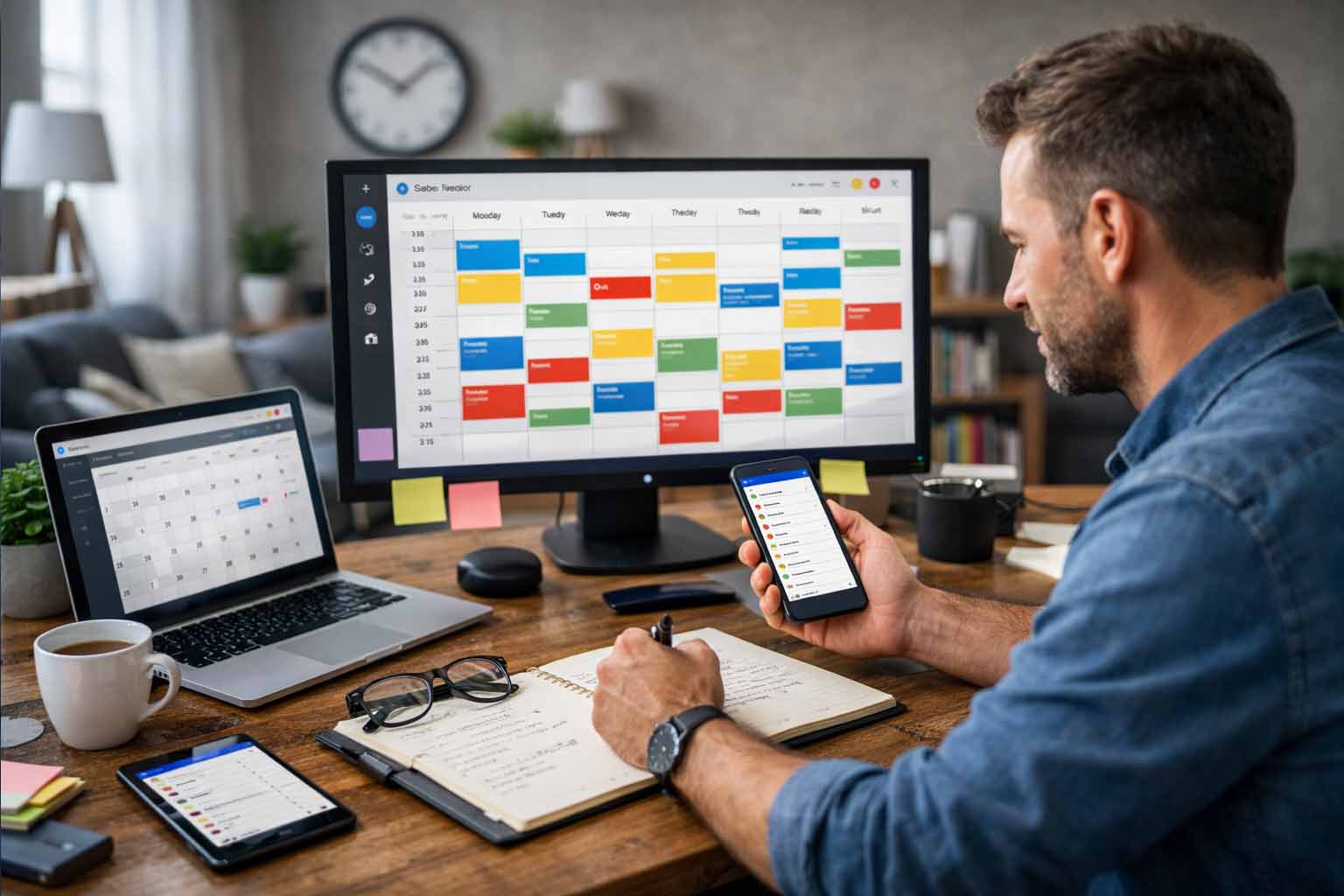
Digital calendar tools play a steady role in restoring order. They help structure daily schedules, support better planning, and reduce mental pressure. Used well, they turn scattered tasks into a clear, manageable system that supports both productivity and well-being.

Quick overview
Digital calendar tools help individuals and teams plan tasks, manage time, and track responsibilities across personal and professional life. They support better coordination, reduce stress, and make room for focused work and personal time.

Why Structure Matters in Professional and Personal Life

Across industries and regions, workloads have grown more complex. Many professionals handle meetings across time zones, project milestones, and ongoing collaboration. Outside work, personal commitments also demand attention. Health appointments, family events, rest, and personal goals all need space on the calendar. Knowing how to build a daily routine can significantly aid in this.

Without structure, important details slip through. Disorganization often leads to delayed output, damaged trust, and reduced work quality. Stress increases as unfinished tasks pile up. Over time, this pressure affects both mental and physical health.

Organized scheduling brings clarity. Seeing responsibilities laid out creates a sense of control. Confidence improves. Stress levels drop. With a clear view of time, people can focus on the task in front of them instead of worrying about what might be forgotten.

How Digital Calendar Tools Support Better Time Management

Calendar tools provide a clear picture of upcoming obligations. Events, deadlines, and tasks appear in one place. Preparation becomes easier. Last-minute surprises become rare.

Time allocation also improves. Knowing how much time is already committed helps people decide whether they can accept new tasks or need to set limits. This awareness supports better decision-making for individuals and teams alike.

In work environments, shared calendars strengthen coordination. Teams align meetings, track deadlines, and stay informed about availability. Miscommunication drops. Planning becomes smoother. These tools support calm, focused work instead of reactive scheduling.

Common Types of Digital Calendar Tools

Several types of calendar tools serve different needs. Each offers distinct strengths depending on how time is managed.

Google Calendar

Widely used across regions, Google Calendar offers ease of use and broad accessibility. Multiple calendars can be created for work, personal life, or shared projects. Notifications arrive through email or mobile alerts, helping users stay aware of upcoming events.

Microsoft Outlook Calendar

This option integrates closely with email and collaboration tools used by many organizations. It supports team scheduling, meeting coordination, and task planning within a single environment.

Apple Calendar

Designed for users within the Apple ecosystem, this tool syncs smoothly across devices. Its clean layout supports simple scheduling and easy sharing through cloud-based access.

Project Management Platforms with Calendar Views

Tools such as Asana or Trello include calendar and timeline features. These platforms support task assignment, progress tracking, and deadline visibility for teams managing detailed projects.

Scheduling Applications

Apps such as Calendly or Acuity Scheduling focus on appointment booking. Shared availability links reduce back-and-forth communication and simplify meeting setup for clients or collaborators.

Choosing the right option depends on how time is used and whether coordination with others is required.

Selecting the Right Calendar Tool

Not all tools fit every workflow. Selecting the right one involves reviewing personal or team needs.

Individual or shared use

Personal scheduling often works well with simple calendar tools. Team coordination benefits from shared access and task visibility.

Connection with other applications

Calendar tools that align with existing email or collaboration platforms reduce friction and save time.

Key features

Some users need detailed reminders, file attachments, or visual organization through color labels. Others prefer simplicity.

Access across devices

Reliable access from phone, tablet, and computer supports consistent use across daily routines.

Cost considerations

Many tools offer free versions. Paid plans often add advanced features. Value depends on how frequently those features are used.

A thoughtful choice creates long-term benefits rather than short-term convenience.

Using Calendar Tools Effectively

Owning a digital calendar alone does not create order. Consistent habits make the difference.

Regular planning and updates

Reviewing the calendar at the start of each week supports preparation. Adding events as soon as they arise prevents gaps. Seeing the full schedule helps balance workloads and avoid overcrowding.

Smart use of reminders

Reminders support memory and preparation. Setting alerts hours or days ahead gives time to prepare. Important events benefit from multiple alerts.

Visual organization through color

Color labels help distinguish work tasks, personal commitments, and deadlines. A quick glance reveals the structure of the day without reading details.

Shared calendars for coordination

Teams and families benefit from shared visibility. Meetings align more easily. Conflicts become easier to avoid. Everyone stays informed.

Blocking focus time

Dedicated focus blocks protect time for deep work. Treating these blocks with the same respect as meetings supports better output and steady progress.

Daily and weekly reviews

Short reviews at the end of each day prepare the next one. Weekly reviews help assess progress and adjust plans. This habit keeps schedules realistic and flexible.

Supporting Work-Life Balance Through Scheduling

Calendar tools support more than productivity. They also protect personal time. Clear scheduling shows where work ends and personal time begins. Exercise, reading, rest, and family activities gain visibility when placed on the calendar. These moments become commitments rather than afterthoughts. Seeing a full schedule also makes it easier to decline extra tasks when capacity is full. Setting boundaries prevents exhaustion. Rest improves focus and energy during work hours. Balanced scheduling, a key component of effective time management, supports long-term health and steady performance. A calm schedule supports presence in every activity, whether professional or personal.

Real-World Scenarios Across Different Roles

Calendar tools adapt well across professions and lifestyles.

A freelancer working with international clients may manage deadlines through separate calendars and color labels. Clear scheduling supports availability planning and timely delivery.

A remote team working across regions may rely on shared project calendars. Sprint schedules, release dates, and meetings stay visible for everyone involved.

A business owner managing growth may block time for planning, operations, and rest. Scheduling personal time alongside work supports sustainability.

A student managing coursework benefits from deadline tracking and study blocks. Clear planning reduces anxiety and supports consistent progress. These scenarios reflect how structured scheduling supports focus and confidence across different paths.

Digital calendar tools support clarity, balance, and steady productivity. With thoughtful use, they turn busy schedules into manageable plans and support a calmer, more focused way of working and living.

Managing Work Data More Easily

Managing Work Data More Easily

Calendar Tools as Everyday Partners for Better Time Control

In today’s fast-moving world, many people feel there is never enough time to handle everything they need and want to do. Office professionals juggle meetings and deadlines. Business owners focus on growth. Others try to achieve work-life balance. Staying organized matters more than ever.

One tool often underestimated is the calendar. It does more than mark dates. A well-used calendar guides daily, weekly, and monthly planning. It helps people stay on track with goals and responsibilities, no matter where they live or work.

Quick Overview

Digital calendars help people organize tasks, manage projects, and see progress at a glance. They improve time management, reduce stress, and create space for family and personal interests.

By using features like reminders, shared schedules, and time blocking, users gain better control of their days. These tools support teamwork, long-term planning, and healthier work-life balance.

Why Calendars Matter in Daily Life

Have you ever woken up feeling overwhelmed by everything you need to do? Or forgotten an important meeting or deadline? You are not alone. Many face common productivity mistakes. With constant information and growing responsibilities, it is easy to feel lost.

A calendar acts like a reliable companion. It offers a visual picture of your time. By adding tasks, appointments, and key events, you see what needs attention and when. This clarity improves time control, reduces delays, and protects personal time with family or for yourself.

Think about a graphic designer handling three projects at once. Without a calendar, deadlines may slip. Client calls get missed. With a structured schedule, time can be assigned for each task, meeting, and break. Stress drops. Work quality improves.

Clear View of Your Schedule

One major benefit of calendar tools is visibility. At a glance, users can view their day, week, or month. Busy hours stand out. Free time becomes easy to spot. There is no need to jump between apps or notes. Everything stays in one place.

For professionals who travel often, viewing schedules across time zones helps a lot. Planning international meetings becomes simpler. Missed appointments become less likely, even when working across continents.

Easy Task Scheduling

Modern calendars allow direct task scheduling. Tasks can be dragged into time slots. This assigns clear working periods. It removes the need to switch between task apps and schedules.

Time blocking is also useful. This method sets aside focused time for one task. Multitasking decreases. Concentration improves. Instead of doing many things poorly, one task gets full attention. Work quality rises.

Managing Long To-Do Lists

Many people feel their task lists never end. Calendars reduce this pressure. Instead of listing tasks, they get placed into real time slots.

For example, imagine a large report due this weekend. Rather than writing “Finish report,” break it into steps. Research on Monday. Outline on Tuesday. Draft on Wednesday. Edit on Thursday. Each step goes into the calendar. The project feels lighter. Procrastination becomes less tempting.

Healthier Work-Life Balance

Drawing a line between work and personal life is hard. Calendars make it easier. Personal activities can be scheduled just like work meetings. Family dinners, exercise, hobbies, and rest deserve space.

A good habit is setting 30 minutes daily for yourself. Morning reflection. Evening reading. Adding this to the calendar increases follow-through. Rested people perform better. Personal time is not wasted time. It supports overall well-being.

Supporting Teamwork and Communication

For teams, calendars become even more valuable. Shared schedules allow easy meeting planning. Project deadlines stay visible. Everyone stays aligned.

When calendars connect with email and messaging tools, coordination improves. For global teams, shared calendars show available hours across regions. This avoids confusion and missed meetings.

Imagine an international project team. Members live in different countries. With a shared calendar, meeting times fit all time zones. Everyone sees updates instantly. Communication stays smooth.

Organized Project Planning

Project managers rely heavily on calendars. They create one central place for schedules, responsibilities, and progress tracking.

For example, planning a marketing campaign involves several stages. Market research. Content creation. Publishing. Performance review. Each phase gets start and end dates. Smaller tasks fill each phase. Team members know exactly what to do and when.

This clarity keeps projects moving forward with confidence.

Key Features of Effective Calendar Tools

Many calendar apps exist. Some features matter more than others:

Device syncing: Schedules should update across phones, tablets, and computers.

Reminders: Alerts help users prepare before meetings or deadlines.

Shared calendars: Useful for families and teams to coordinate plans.

Color categories: Different colors help separate work, personal, and health tasks.

App connections: Integration with email and task managers saves time.

For example, when a meeting gets booked by email, it appears automatically in the calendar with video links and documents. This keeps all details in one place. Similarly, when importing data for project planning or contact lists, understanding how to use excel delimiter features can ensure your information is neatly organized and usable.

Planning for the Future and Setting Goals

Calendars are not only for daily tasks. They help with long-term goals too.

If your goal is writing a book within a year, break it into chapters. Assign monthly deadlines. Set writing sessions weekly. Progress becomes visible. Motivation stays strong.

This structured approach turns big dreams into manageable steps.

Reducing Stress and Anxiety

Feeling overwhelmed often leads to stress. Calendar tools give better time control. When schedules feel clear, decisions become easier. You know what to focus on and what can wait.

Consider a freelancer with many clients. Without a calendar, deadlines clash. Confusion grows. With a structured schedule, each client gets dedicated time. Breaks remain protected. Peace of mind improves.

Simple Tips for Better Calendar Use

Here are practical ways to make the most of your calendar:

  • Write everything down. Meetings, workouts, coffee breaks. The fuller your calendar, the clearer your view.
  • Be specific. Instead of “Work on project,” write “Research project topic (9:00-10:30).”
  • Use color categories. Assign colors to work, personal, family, and health tasks.
  • Review daily and weekly. This prepares you for the day ahead and helps spot conflicts.
  • Add buffer time. Leave gaps between tasks to breathe, travel, or handle delays.
  • Reset when needed. Plans change. Adjust your schedule freely. The calendar should serve you.

A Tool for a More Balanced Life

A calendar is more than a date list. It guides better organization, higher productivity, and balanced living. With thoughtful use, you gain control over your time, move closer to goals, and enjoy daily life with more calm and focus.

Across cultures and countries, people face similar time challenges. Calendar tools offer a simple, practical solution for anyone who wants a more structured and peaceful routine-no matter where they are in the world.