How Coworking Members in Hong Kong Stay Productive Week to Week
How Coworking Members in Hong Kong Stay Productive Week to Week
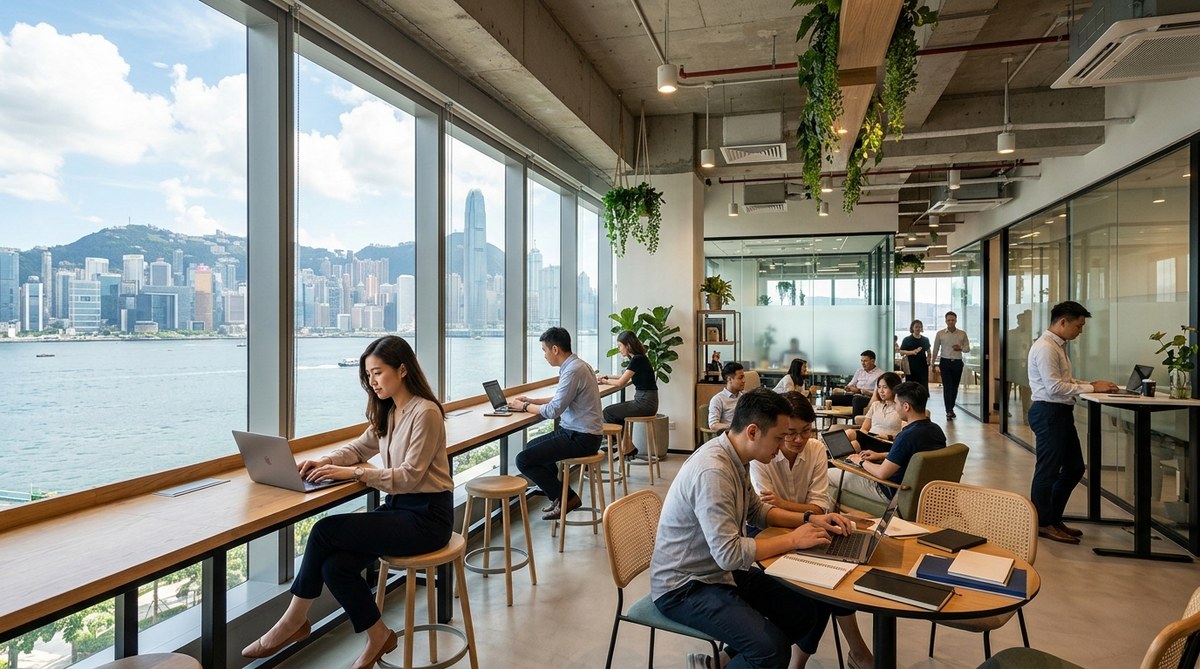
Monday morning at a coworking space in Hong Kong has a particular energy. Laptops open, coffee cups appear, and people settle into their seats with a quiet kind of focus. But not everyone arrives with the same clarity of purpose. The members who consistently get the most done are not necessarily the ones working the longest hours. They are the ones who show up with a clear picture of how their week will unfold, before it begins.
High-performing coworking members in Hong Kong are not running on willpower alone. They have built their weeks around three core habits that compound over time.
- They plan their week around outcomes, not just daily task lists
- They match the type of work to the type of space they choose
- They protect their collaborative commitments by coordinating meetings with remote teams through dedicated tools rather than scattered email chains
The Weekly Reset That Keeps Members Grounded
Most high-performing coworking members in Hong Kong share one habit: a weekly reset. This usually happens on Sunday evening or first thing Monday morning. It does not need to be elaborate. Fifteen minutes is often enough.
The reset involves looking at the week ahead and identifying the three to five outcomes that genuinely matter. Not tasks. Not to-do items. Outcomes. There is a real difference.
A task might be “write the report.” An outcome is “submit the quarterly client update so the team can move forward with next steps.” The outcome carries weight. It connects the work to something meaningful beyond the act itself.
This kind of intentional planning is backed by research. Studies have found that coworking members report significantly higher levels of perceived meaning and autonomy compared to those in traditional corporate offices, according to research on what drives performance in shared workplaces. That sense of autonomy starts with how you define your week before it starts.
Members who skip this step tend to operate reactively. Their days get shaped by whoever sends the most urgent message. The reset is the habit that keeps you the author of your own week rather than a passenger in someone else’s priorities.
Choosing the Right Space for Each Type of Work
One of the biggest practical advantages of a well-designed coworking environment is variety. Members are not locked into one desk or one atmosphere. And the most experienced members treat that variety as a working tool, not just a perk.
Here is how productive coworking members in Hong Kong typically divide their week by space:
- Deep work blocks are assigned to private offices or acoustic phone booths, where interruptions are rare and external noise is minimal. These sessions are reserved for writing, analysis, or anything requiring sustained concentration over two or more hours.
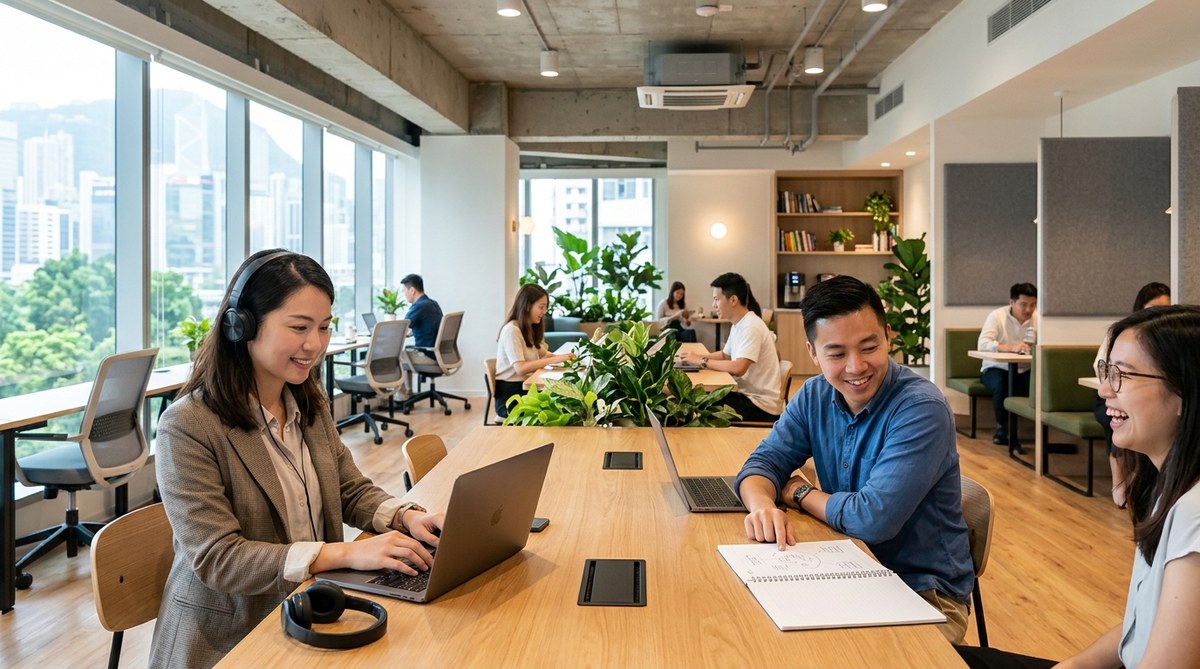
- Creative and collaborative sessions happen at open hot desks or lounge areas, where ambient activity and casual conversation can actually stimulate lateral thinking and new connections.
- Client-facing meetings and video calls are booked into dedicated meeting rooms with professional backdrops, reliable connectivity, and the acoustic separation that remote colleagues expect from a credible setup.
- Administrative and planning work such as emails, scheduling, and document reviews gets handled in informal seating areas, where the cost of a distraction is manageable.
This sounds obvious once stated, but most people ignore it. They sit at the same desk every day regardless of what they need to produce. Physical environment shapes cognitive state in real ways. Matching space to task is one of the most accessible levers available to any coworking member.
Time-Blocking Without Turning Your Calendar into a Constraint
Time-blocking has a reputation for being the domain of highly regimented productivity obsessives. The version that actually works for coworking members in Hong Kong is considerably more flexible than the textbook version.
Rather than scheduling every hour, experienced members block out two or three anchor sessions per day. A morning deep work window. A midday buffer for meetings and calls. An afternoon block for output-oriented tasks. The gaps between these anchors absorb whatever comes up.
The rule that almost every high-performing member agrees on is this: protect the morning. Once meetings and messages eat into the first two hours of the day, the quality and volume of output drops noticeably. The morning is when most knowledge workers have their best cognitive access to complex problems. Using it for inbox management is a poor trade.
Coworking spaces that genuinely support their members build structures around this. Community norms around noise levels, designated quiet hours, and booking systems that limit unnecessary walk-up interruptions all create an environment where focus is the default, not something you have to fight for.
Coordinating with Distributed Teams Across Time Zones
A large number of coworking members at Hong Kong spaces are not working with a local team. They manage clients in Europe, coordinate with colleagues across Southeast Asia, or run businesses with stakeholders spread across multiple time zones. Coordination in these contexts is not a minor issue. It is a weekly operational challenge.
Sending emails back and forth to find a mutually available meeting slot is a time sink that compounds painfully across every working week. The more effective approach is to use a dedicated tool to schedule meetings without the manual back-and-forth, giving remote counterparts a clear view of available windows and letting them book directly.
The members who handle distributed collaboration most smoothly tend to follow a consistent set of practices:
- They set defined availability windows each week rather than leaving their calendar open to requests at any hour
- They communicate time zone context upfront, especially when bridging Hong Kong Standard Time with European or North American counterparts
- They batch external meetings into two or three designated days per week, protecting the remaining days for focused individual output
Meeting batching in particular has a compounding effect on weekly output. When meetings are scattered across every day, no day is ever fully yours. When grouped, the rest of the week becomes genuinely available for deep work. This one shift changes how productive the week feels from start to finish.
The Micro-Habits That Fill the Gaps
Beyond the larger structural habits, productive coworking members in Hong Kong tend to share a handful of smaller practices that accumulate real value over time. These do not require any particular system or tool. They are about how you occupy the in-between moments.
- They close their laptops during breaks rather than drifting into passive scrolling, giving the mind actual recovery time
- They eat away from their desks when possible, treating lunch as a genuine pause rather than a continuation of the workday
- They make brief, genuine contact with other members during transitions, not as formal networking but as a way to stay connected to the community around them
- They use the few minutes between finishing one task and starting the next as transition time, leaving a short note on where they left off so the next session starts cleanly
That last habit is underestimated. Without it, the beginning of every focused block is spent reloading context. With it, you pick up exactly where you left off. Over a week, the recovered time adds up.
Friday as a Completion Day, Not a Catch-Up Day
The final structural habit that separates consistently productive coworking members from those who always feel behind is how they treat Friday. Most people use Friday to cram in whatever did not get done earlier in the week. The more effective approach is to treat Friday as a completion day.
There is a subtle but important distinction here. Catch-up implies you are behind. Completion implies you are deliberately closing the loop on what you started. The framing shapes how you approach the afternoon and how you feel walking out the door.
A Friday completion routine typically takes thirty to forty-five minutes. It includes closing outstanding client communications, updating any active project trackers, noting what worked well during the week and what did not, and sketching a rough outline for the following week.
Members who do this consistently arrive on Monday morning with far less ambient anxiety. They know what they are walking into because they took the time to define it before leaving. The week begins with momentum rather than a scramble to remember where things stand.
When the Space Becomes Part of Your Weekly Rhythm
Productivity advice is almost always written as though the physical environment is irrelevant, as if habits and systems exist independently of where you are actually working. For coworking members in Hong Kong, the space itself becomes a core part of the routine.
The familiar faces. The ambient energy of other people working hard around you. The reliable infrastructure. The community that builds gradually over weeks and months of shared mornings and afternoon coffee runs. All of this contributes to a weekly rhythm that is genuinely difficult to replicate at a kitchen table or in a crowded cafe.
That rhythm is what makes individual productivity habits sustainable rather than effortful. A time-blocking system is easy to abandon in isolation. It is much harder to abandon when it is part of a physical routine tied to a place you associate with doing good work.
The members who show up week after week with consistent output are not exceptional people with uncommon discipline. They have simply designed their weeks around environments, tools, and small reliable habits that make the right actions feel natural. That is not a special talent. It is a skill that compounds with practice, and a good coworking community gives you the conditions to build it.